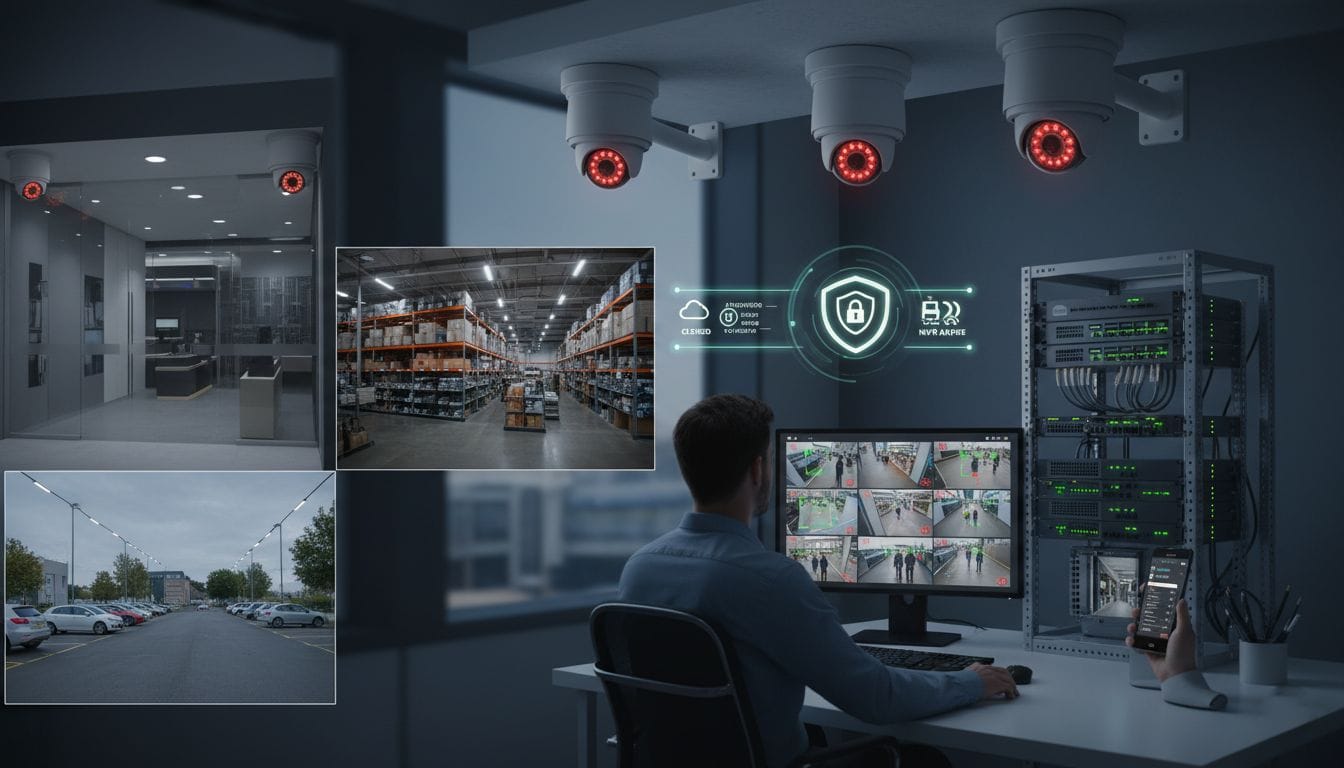
The Rules of Selecting the Right Security Camera System to use in your Business (Buyer Guide).
The security camera systems are no longer a luxury for any business but a necessity. They discourage stealing, keep track of what is happening, and help to produce evidence in the event of any incident. An effective surveillance system safeguards property, people, and integrity. There are so many systems in the market, and suddenly it may seem difficult to choose the right system.
This buyer’s guide takes you through the major considerations to make in order to invest in a scalable, reliable solution that would suit your unique requirements.
Specify Your Goals and Your Coverage Requirements.
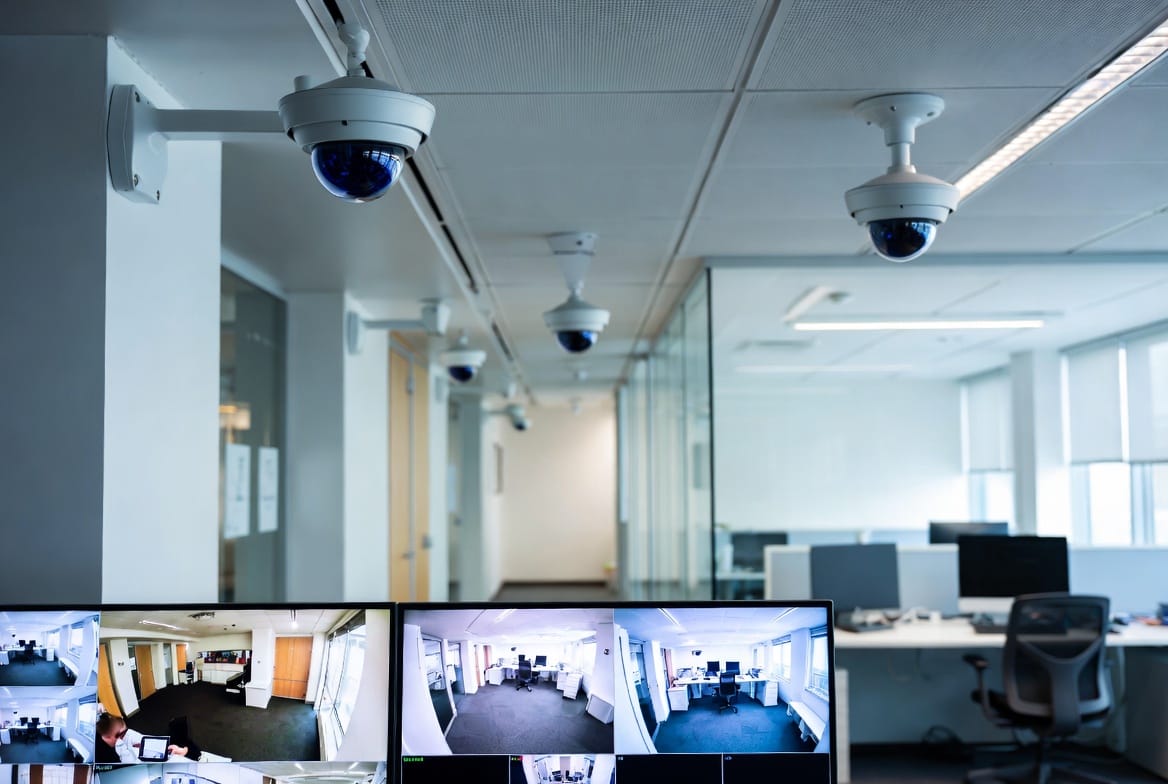
Before assessing features or brands, remember: What should the cameras do?
The typical business goals are:
- Preventing shoplifting or breaking.
- Surveillance of workstations, points of sale, and employees’ workspaces.
- secure parking lots, entrances, or office buildings.
- Adhering to regulations in the industry (e.g., in healthcare or finance)
Next, map your property. Determine areas of high risk like
- Main entrances and exits
- Cash handling areas
- Data room, warehouses, or storage space.
- loading docks and loading alleys.
This mapping will inform you of the number of cameras required and their location.
Decide on Wired and Wireless Systems.
Ethernet cables and coaxial cables are used in wired cameras. They offer high-quality video, reliable power, and resistance to interference. Wired systems are used for permanent installation and in bigger facilities. They need professional installation and cabling.
Wireless cameras are easier to install and transmit video using Wi-Fi because they are cheaper and can be easily installed in old buildings or temporary installations. They rely on the strength of networks and may be affected by latency or loss of signal. Wireless-SEC Wi-Fi is needed to avoid a breach. Wireless models are battery-powered and therefore need frequent maintenance.
Value Video Quality and Low-Light Performance.
Resolution is crucial. 1080p (Full HD) is the norm, but 4K (Ultra HD) is worth consideration for precise detail, e.g., license plates or facial recognition. The resolution is increasing and consumes more storage and bandwidth.
The performance in low light is also significant. Look for cameras with:
– Low level of lux (less than 0.1 lux to see at night)
– Night vision, infrared (IR), or color.
– Wide Dynamic Range (WDR) to deal with mixed-light situations such as a bright storefront and a dark interior.
Choose between cloud and local storage.
Local storage involves the implementation of a Network Video Recorder (NVR) and the recording of footage locally. It offers complete control, no monthly charges, and it is very reliable. Nonetheless, the videos may be lost due to theft or the destruction of the equipment.
Cloud storage stores the videos in different remote computers, which allows accessing them remotely and prevents physical interference. It typically implies the repetitive costs of subscription and depends on the internet connection. Some systems provide hybrid storage: store on the local disk and back up important clips to the cloud.
Think about your retention requirements. Continuous 30-day recording uses much more space than motion-based clips.
Assess Smart Features and Integration.
Modern business camera systems tend to be intelligent and may include:
- Zone alerts and motion detection.
- Recognition of a person, vehicle, or object to minimize false alarms.
- Two-way sound to interact with visitors or delivery companies.
- Live viewing and alerts mobile applications.
Checking with existing systems as well. Will the cameras support your access control and alarm system? Vendors such as ONVIF guarantee cross-branding.
Secure Strong Cybersecurity.
An unsecured camera may act as a point of entry for the attackers.
Look for systems that offer:
- End‑to‑end encryption
- Passwords that are strong and unique.
- Regular firmware updates
- Two-factor authentication of administrators
Consumer-grade cameras should not be used in business; they are not usually of enterprise-grade security and support.
Take into account future growth and scalability.
Will you increase the number of cameras in the next few years? Open additional locations? Select a system that facilitates growth and does not need a complete overhaul. Scalability is facilitated by modular NVRs, standardized protocols such as ONVIF, and cloud-based management.
Factor in Total Cost of Ownership
The initial price is not the only thing to compare. Include:
- Costs of installation (particularly for a wired system)
- Cloud or monitoring subscriptions (monthly).
- Parts and service
- Replacement and maintenance.
- Power and network systems upgrades.
There is usually higher long-term value with a slightly more costly system that has a higher durability rate and low operating costs.
Verify Warranty and Support
Cameras of commercial quality must have a warranty of 2-3 years minimum. Ensure that the manufacturer or seller has reactive technical support, on-site services, and replacement packages, more so in the case of critical operations.
Adhere to privacy laws and legal requirements.
Check the local legislation before the pre-installation of cameras. In many jurisdictions:
- Video recording must be agreed to.
- The cameras are not allowed to look into the personal premises (e.g., bathrooms or adjacent houses).
- There might be a need to have obvious signage that informs individuals that they are being recorded.
Seek advice from the counsel in case your business deals with sensitive information or is in a regulated sector.
Final Recommendation
The correct security camera system strikes a balance between coverage, clarity, reliability, and security. Begin with what you truly need, give priority to professional-grade hardware, and never compromise on cybersecurity. Whether in a retail shop, a warehouse, an office, or a restaurant, a properly designed surveillance system is an investment that will be rewarded with safety, insight, and tranquility in its operation.
In any case of doubt, seek the advice of a qualified security integrator. They can review your site, suggest a customized solution, and make sure it is installed correctly so that your system becomes functional at the time you need it the most.