
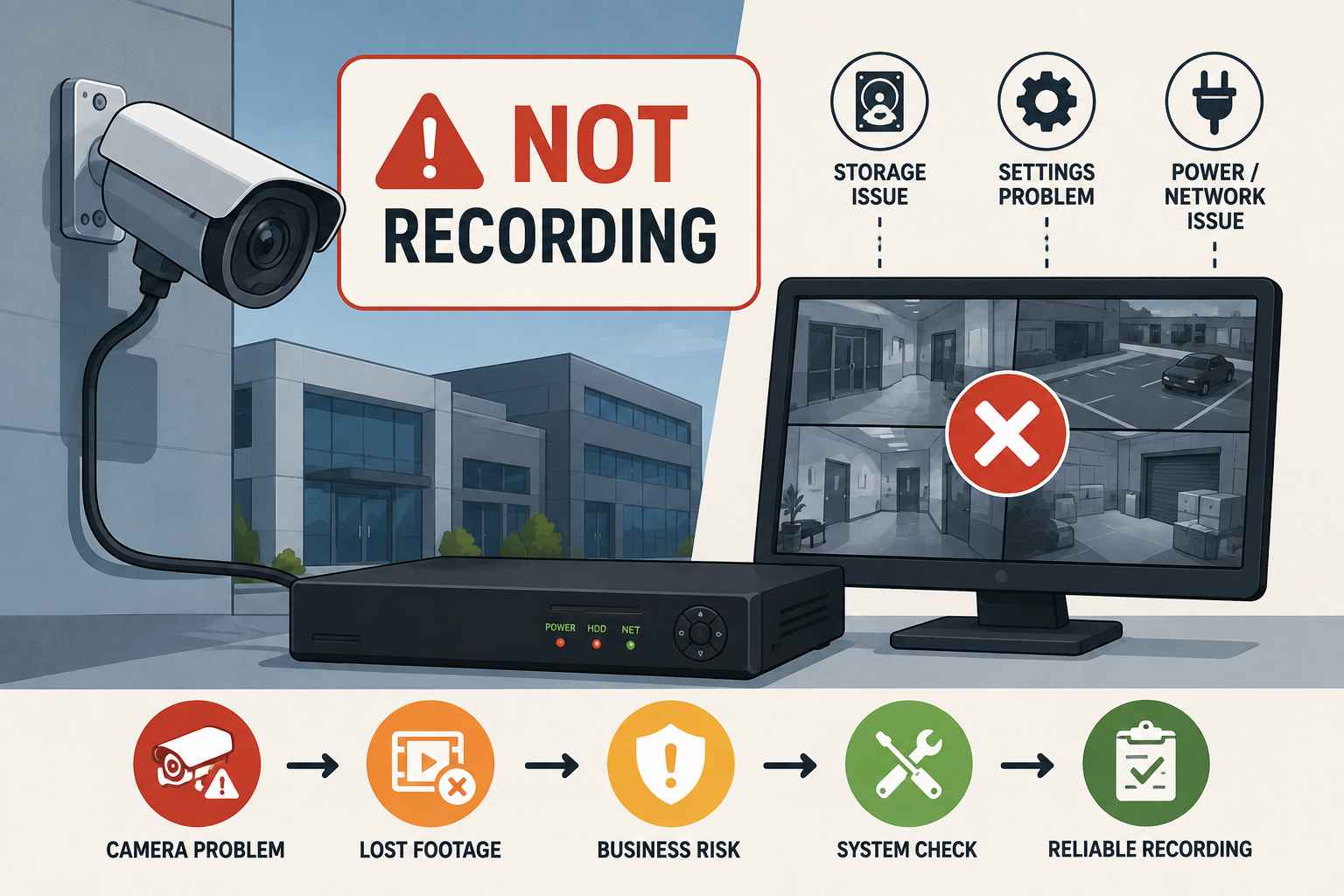
Security Camera Not Recording? Why Commercial Systems Lose Footage
A commercial security camera system is designed to protect your business and provide important video evidence when something goes wrong. But sometimes, cameras appear to be working normally while the system is not actually saving the footage.
This problem is often discovered at the worst possible time—after a theft, accident, break-in, or customer dispute. When you need to review the recording, you may find that important footage is missing.
Problem → Risk → Solution → Result
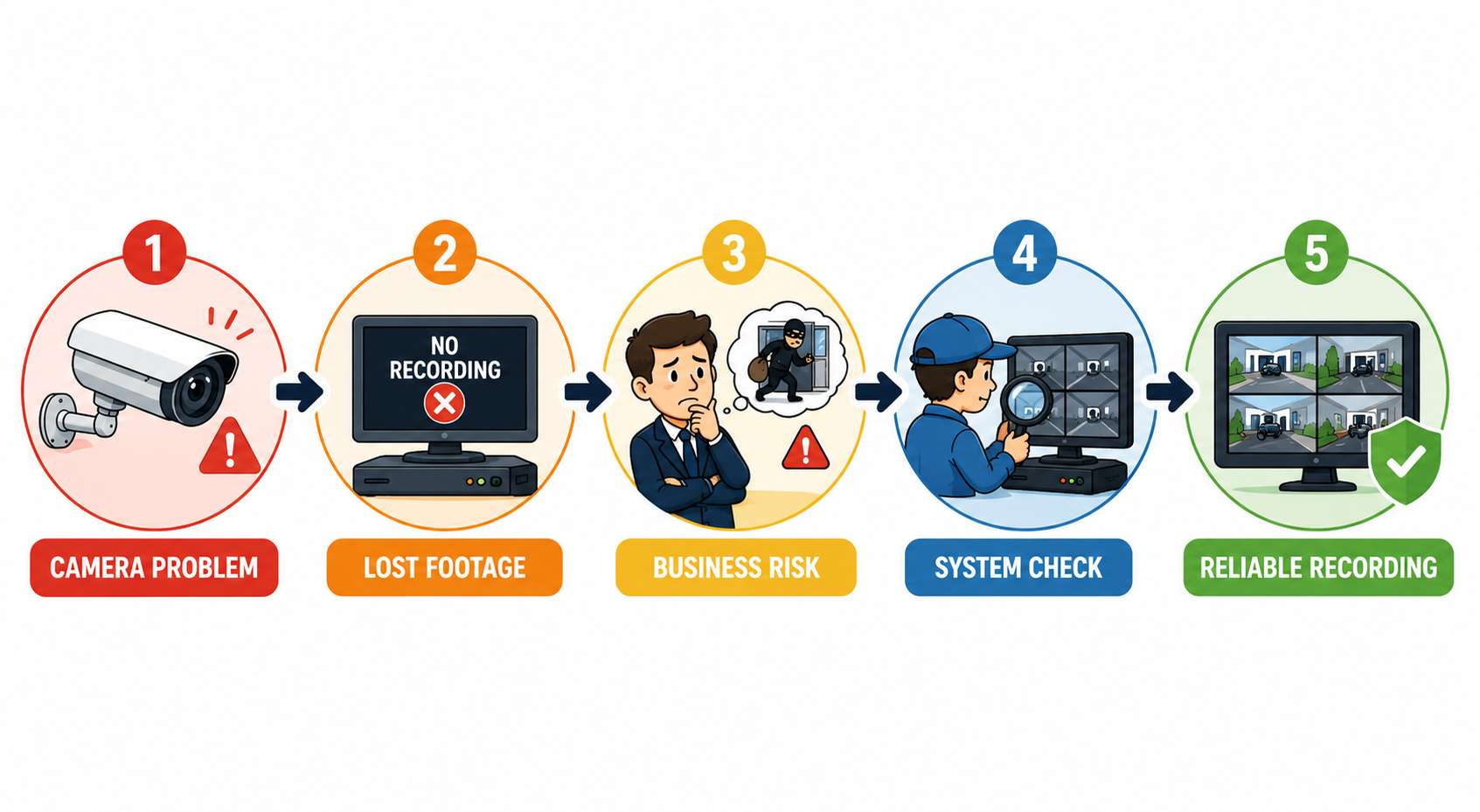
The Problem
A camera may show a live video feed but still fail to record. The issue can be related to the hard drive, NVR/DVR, recording settings, network connection, power supply, or camera itself.
A small technical issue can create gaps in recordings without immediately being noticed.
The Risk
Lost security footage can create serious problems for businesses. Without recorded video, it can become difficult to investigate incidents, verify what happened, or provide evidence when needed.
Missing footage may affect:
- Theft and break-in investigations
- Employee or customer disputes
- Property damage cases
- Accident verification
- Insurance claims
The Solution
The best solution is to identify the actual cause of the recording failure instead of repeatedly restarting the system. A proper inspection should check the complete recording chain—from the camera to the storage device.
The Result
Once the issue is fixed, your commercial system should provide reliable recording, proper footage retention, and quick access to important video when your business needs it.
Common Reasons Security Cameras Lose Footage
1. Storage Failure
A damaged or failing hard drive is one of the most common causes of missing footage. If the recorder cannot save data properly, cameras may continue showing a live feed while recordings are lost.
2. Incorrect Recording Settings
Commercial systems can be set for continuous recording, scheduled recording, or motion-based recording. Incorrect settings may cause unexpected gaps in footage.
3. Network or Power Problems
IP cameras require a stable network connection to send video to the recorder. Network interruptions, cable issues, or power problems can prevent footage from being saved.
4. Recorder or Hardware Issues
A faulty NVR, DVR, camera, or connection can affect the complete system. Regular testing helps identify these problems before important footage is lost.
If any part of this process fails, your business may lose valuable recordings.
Quick Fix vs Professional Solution
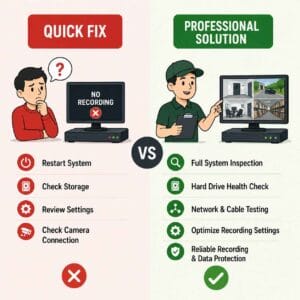
Some basic problems can be checked internally. You can verify that the recorder is powered on, review available storage, check the recording timeline, and confirm whether all cameras are connected.
However, restarting the system may only provide a temporary fix. If recordings continue to stop or important footage is missing, a professional inspection is the better solution.
A complete security camera installation Columbus Ohio service can help identify issues with storage, cameras, network connections, power, and recording settings.
Quick Check:
- Is the recorder online?
- Is the hard drive working?
- Are all cameras connected?
- Are there gaps in the recording timeline?
- Is the system recording continuously or on schedule?
Our Commercial Security Solutions
At Vortex IT Systems, we help businesses improve the reliability of their commercial security systems. We inspect and troubleshoot cameras, recording devices, storage, network connections, and related security infrastructure.
Our services include:
- Commercial camera troubleshooting
- Camera system inspection
- NVR/DVR configuration
- Storage and recording checks
- Network connectivity testing
- Camera system upgrades
- Professional video surveillance installation
A strong commercial security system can also include access control and intrusion protection. Businesses may benefit from professional door security systems installation Columbus and Burglar alarm installation as part of a complete security strategy.
Don’t Wait Until Important Footage Is Gone
A security camera system should not only show live video—it should reliably save the footage your business may need later. A missing recording can become a major problem when there is no video available to review after an incident.
Regular system checks and professional support can help identify storage, network, and recording problems before they affect your business.
Need Help With Your Commercial Security Camera System?
If your security cameras are not recording or your business is experiencing missing footage, Vortex IT Systems can help.


How Long Should a Business Keep Security Camera Footage?
September 12, 2026[…] often discover recording problems only after an incident occurs. Security Camera Footage Missing may result from limited storage, hard drive failure, network issues, incorrect recording settings, […]
Employee Termination / Offboarding : Secure Access control
September 16, 2026[…] important footage is unavailable when needed, Security Camera Footage Missing can become a serious operational […]
Business Security Camera Installation: Key Areas
October 10, 2026[…] video surveillance installation also helps businesses select suitable camera types, avoid unnecessary coverage gaps, and position […]