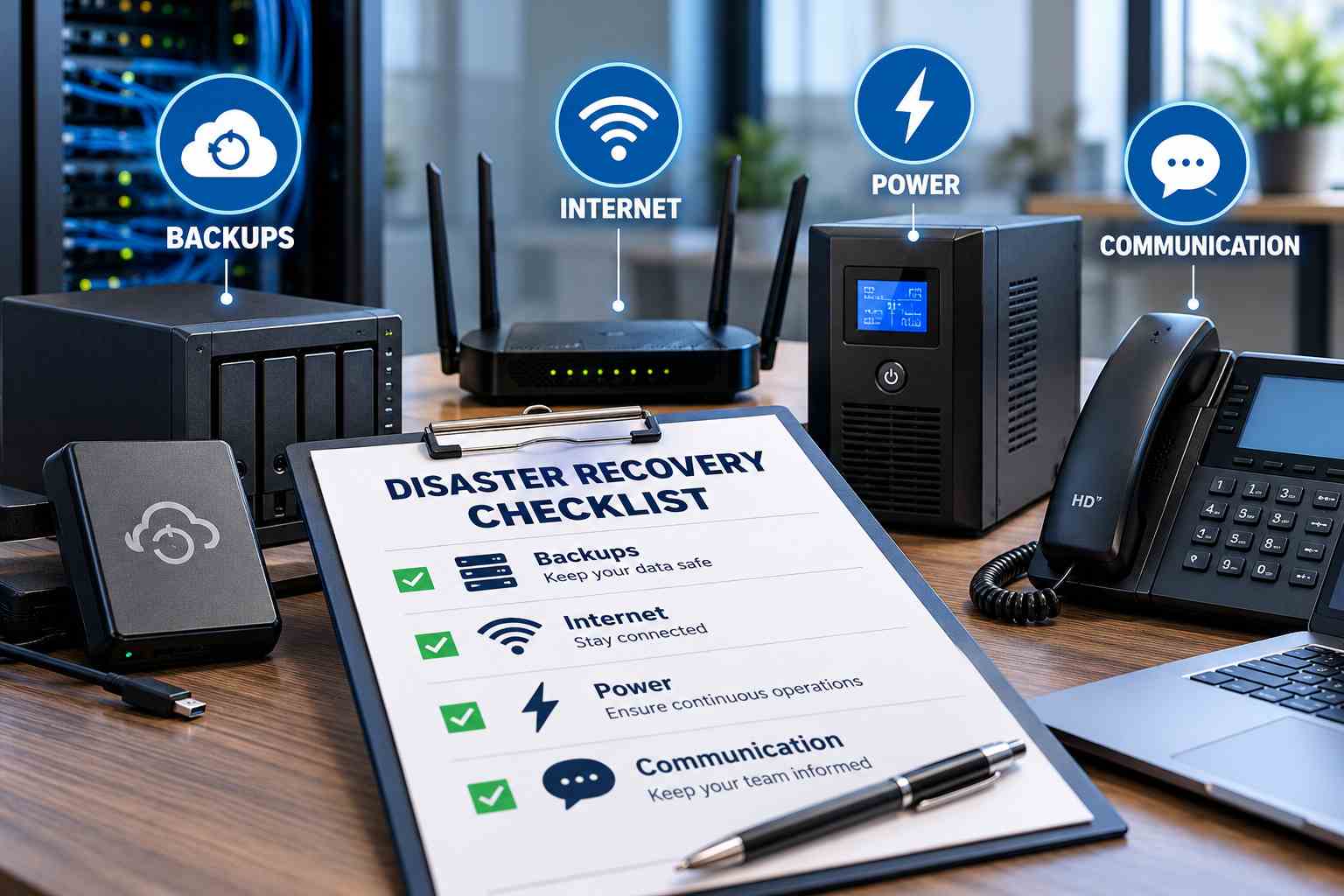
Small Business Disaster Recovery Checklist: Backups, Internet, Power and Communication
Small businesses depend on computers, internet connectivity, business applications, and reliable communication to serve customers every day. But what happens when a power outage, network failure, cyberattack, or hardware breakdown suddenly interrupts your operations? Even a few hours of downtime can result in lost sales, missed deadlines, and frustrated customers.
A disaster recovery plan helps your business prepare for unexpected disruptions and resume operations quickly. From protecting important files to maintaining backup internet and securing business networks, a few simple precautions can make a significant difference.
Create a Reliable Data Backup Plan
Business data is one of your most valuable assets. Customer records, financial documents, employee information, emails, and project files must remain protected against accidental deletion, hardware failure, and ransomware attacks.
Maintain automatic cloud backups alongside a separate backup copy that is protected from unauthorized access. Follow the 3-2-1 backup rule: keep three copies of important data, store them on two different types of media, and maintain one copy off-site. Regularly test your backups to confirm that files can be restored when needed.
A backup is only useful when it works during an emergency. Schedule recovery tests and document the steps employees should follow to retrieve essential information.

Prepare a Backup Internet Connection
 Internet outages can prevent employees from accessing cloud applications, processing payments, attending online meetings, and communicating with customers. A secondary internet connection helps reduce these interruptions.
Consider keeping a mobile hotspot, a secondary broadband provider, or satellite internet as a backup option. For businesses that require continuous connectivity, StarLink Backup Internet may be worth evaluating when conventional broadband is unreliable or unavailable. Check local availability, equipment requirements, expected speeds, and service costs before choosing a solution.
Test your backup connection regularly and ensure critical devices can switch to it without unnecessary delays. If your business relies on cloud-based software, confirm that essential applications work correctly over the alternative connection.
Protect Your Business Against Power Outages
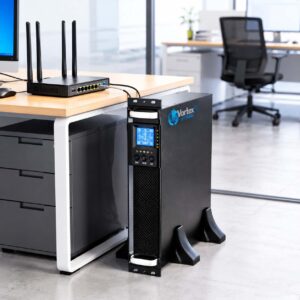
A sudden power failure can shut down computers, networking equipment, security systems, and point-of-sale devices. Unexpected shutdowns may also cause data loss or interrupt important business processes.
Install an uninterruptible power supply (UPS) for essential equipment, including routers, switches, servers, and critical workstations. For longer outages, evaluate whether a generator or suitable battery backup system is appropriate for your premises.
Keep emergency lighting available and identify which devices need immediate backup power. Test the equipment periodically, check battery health, and establish a safe shutdown procedure for systems that cannot remain operational during an extended outage.
Check Network Cabling and Equipment
 Unstable connections, damaged cables, outdated switches, and poorly organized network infrastructure can create problems when your business needs to recover quickly. Reliable physical connectivity is essential for keeping computers, phones, printers, and security devices connected.
Businesses planning network upgrades should work with experienced structured cabling companies Columbus to assess their existing infrastructure, identify weak points, and organize cabling for easier maintenance. Proper installation, labeling, testing, and documentation can simplify troubleshooting and reduce unnecessary downtime.
Review your routers, switches, wireless access points, and cabling periodically. Keep a record of equipment locations, network connections, and essential configuration details so your team can identify problems faster.
Strengthen Business IT Security
 Cyberattacks can disrupt operations just as seriously as physical disasters. Phishing emails, compromised accounts, malware, and ransomware can prevent employees from accessing essential business systems.
Build Business IT Security into your recovery strategy by enabling multifactor authentication, installing security updates, using endpoint protection, and limiting access to sensitive information. Train employees to recognize suspicious emails and report unusual system activity immediately.
Keep administrative credentials secure and separate backup systems from everyday user access wherever possible. Establish a clear process for isolating affected devices and restoring clean systems if a security incident occurs. Avoid reconnecting compromised devices until they have been properly assessed.
Establish a Clear Communication Plan
 During an emergency, employees need to know what has happened, which systems are available, and how to continue their work. Customers may also need updates about service interruptions, delayed orders, or changes to business hours.
Maintain an updated contact list containing employee phone numbers, management contacts, IT providers, internet service providers, and other essential vendors. Choose alternative communication channels, such as mobile calls, SMS, or messaging applications, in case company email becomes unavailable.
Assign responsibilities in advance so employees know who makes decisions, who contacts customers, and who coordinates recovery. Prepare short communication templates to provide timely, consistent updates without creating confusion.
Keep IT Support and Recovery Procedures Ready
When technical problems occur, delays in identifying the cause can increase downtime and operational costs. Businesses should document common recovery procedures, maintain an inventory of important equipment, and know whom to contact when systems fail.
A dependable IT Support for Small Businesses arrangement can help organizations prepare recovery plans, maintain equipment, manage security, and restore affected systems. Review support arrangements to confirm response times, emergency contact details, and responsibilities during a major disruption.
Whether the issue involves an internet failure, a server problem, or an inaccessible application, employees should have a clear reporting process. Document recurring issues and their solutions so the same problems can be resolved more efficiently in the future.
Small Business Disaster Recovery Checklist
Use this practical checklist to review your current level of preparedness.
Automate important data backups and test file restoration.
Maintain a secondary internet connection or mobile hotspot.
Install and test UPS or other appropriate backup power equipment.
Inspect network cables, routers, switches, and access points.
Enable multifactor authentication and update business software.
Keep employee, vendor, and emergency contact details updated.
Document system recovery steps and assign employee responsibilities.
Review recovery procedures at least annually and after major IT changes.
Businesses in Ohio can also evaluate network cabling Columbus Ohio providers when existing infrastructure needs inspection, expansion, or replacement as part of disaster preparedness.
Review and Improve Your Recovery Plan
A disaster recovery plan should evolve as your business changes. New employees, additional locations, updated applications, and changing security risks can introduce weaknesses that were not present when the plan was created.
Schedule regular recovery exercises to identify gaps before a real emergency occurs. Check whether backups can be restored within an acceptable timeframe, whether employees understand their responsibilities, and whether alternative internet and power systems perform as expected.
When technical problems require immediate attention, having a defined process to Fix Tech Issues can help employees report incidents, receive assistance, and return to productive work sooner.
Businesses looking for Managed IT Services Columbus Ohio can consider providers that help maintain IT infrastructure, monitor potential risks, and prepare practical continuity and recovery procedures.

Conclusion
Unexpected disruptions are not always preventable, but their impact can be reduced with proper preparation. Reliable backups, alternative internet connectivity, backup power, secure networks, and clear communication procedures help small businesses remain resilient when essential systems fail.
Start with the most critical systems, test your recovery procedures regularly, and make sure every employee understands their role during an emergency. A straightforward disaster recovery checklist can protect valuable business data, reduce downtime, and help your organization return to normal operations with greater confidence.
Ready to strengthen your disaster recovery plan? Contact Vortex IT Systems for reliable IT support, network solutions, and business continuity services to help protect your data, minimize downtime, and keep your business running during unexpected disruptions.