MDF and IDF Room Planning: Racks, Power, UPS, Cooling and Cable Management
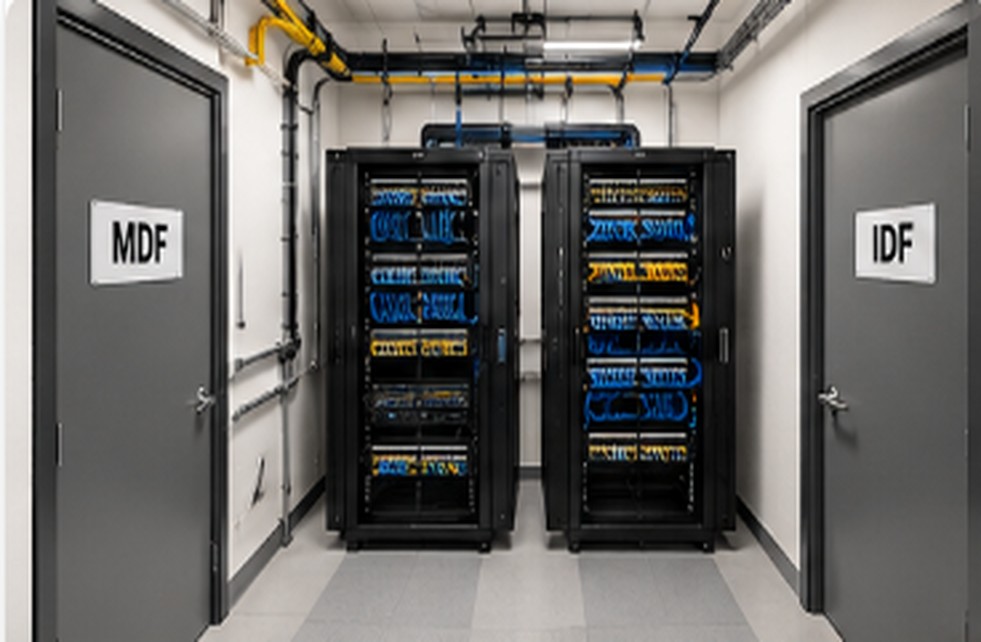
MDF and IDF room planning is essential for maintaining a reliable, secure, and well-organized business network. The MDF (Main Distribution Frame) serves as the central point for core network equipment, while IDF (Intermediate Distribution Frame) rooms connect network devices across different floors or building areas. Proper planning includes selecting suitable equipment racks, ensuring sufficient electrical power, installing UPS systems for backup power, and providing adequate cooling to prevent overheating.
Effective cable management, proper equipment spacing, physical security, and clear labeling make maintenance easier and reduce network downtime. Businesses should also plan for future expansion by allowing extra rack space, power capacity, and cable pathways. A well-designed MDF and IDF room helps protect IT equipment, simplify troubleshooting, and support consistent network performance as the business grows.
What Are MDF and IDF Rooms?
The Main Distribution Frame (MDF) is the central network room where core switches, routers, firewalls, and primary internet connections are typically installed. Intermediate Distribution Frames (IDFs) connect local devices and network equipment across different floors or building areas.
Both rooms require sufficient space, reliable power, proper cooling, and organized cabling to support uninterrupted business operations.
Rack Layout and Equipment Planning
Proper rack layout and equipment planning help businesses maintain an organized and reliable network infrastructure. MDF and IDF rooms should have suitable racks for switches, routers, patch panels, and firewalls. Consider equipment size, rack capacity, available space, and future expansion before installation.
Arrange equipment neatly to maintain airflow and easy access. Use cable managers and labeled patch panels to simplify troubleshooting and reduce cable clutter. Proper rack planning improves cooling, simplifies maintenance, and supports future network growth.
Power, UPS and Cooling
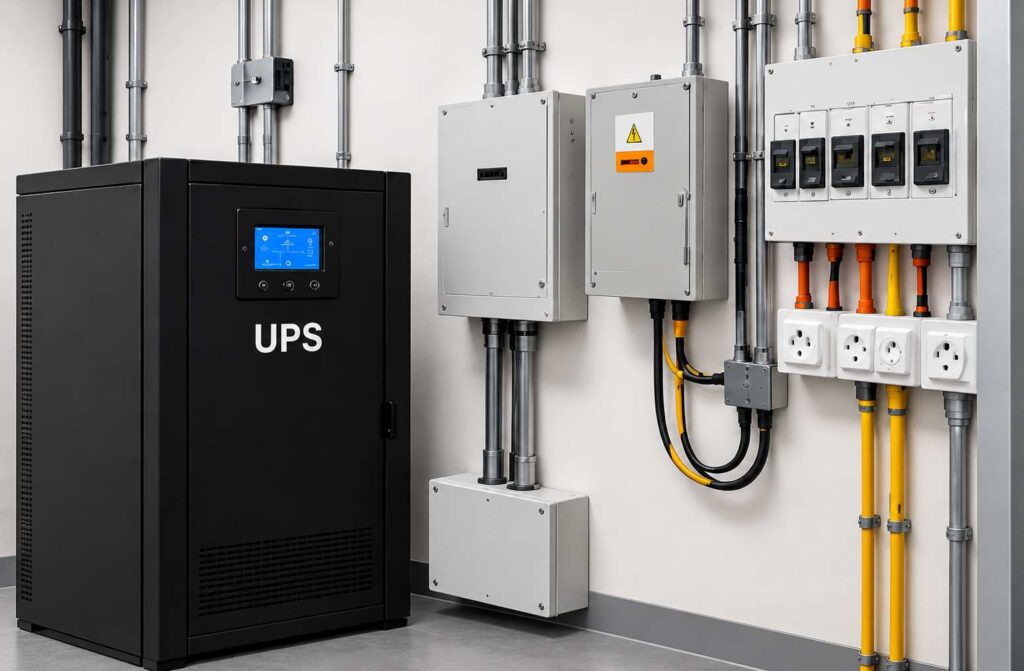
Network equipment needs stable electrical power and adequate cooling. Calculate the expected equipment load before selecting circuits and UPS capacity. A UPS provides temporary backup during power interruptions, while appropriate cooling prevents overheating and equipment failures.
For critical infrastructure, consider temperature monitoring, UPS battery testing, and maintenance alerts.
Cable Management and Network Infrastructure
Structured cabling should be properly routed, labeled, tested, and documented. Keep data and electrical cables appropriately separated according to applicable standards, and avoid excessive cable bends or tension.
Businesses comparing structured cabling companies Columbus should prioritize installation quality, cable testing, clear documentation, and experience with commercial network environments.
MDF and IDF Planning Checklist
| Component | Key requirement | Business benefit |
| Equipment racks | Adequate space and clearance | Easier maintenance |
| Power and UPS | Correct capacity and backup runtime | Reduced downtime |
| Cooling | Suitable temperature control | Equipment protection |
| Cabling | Organized labels and testing | Faster troubleshooting |
| Security | Restricted physical access | Better protection |
| Documentation | Updated network diagrams | Easier future upgrades |
Security and Business Continuity
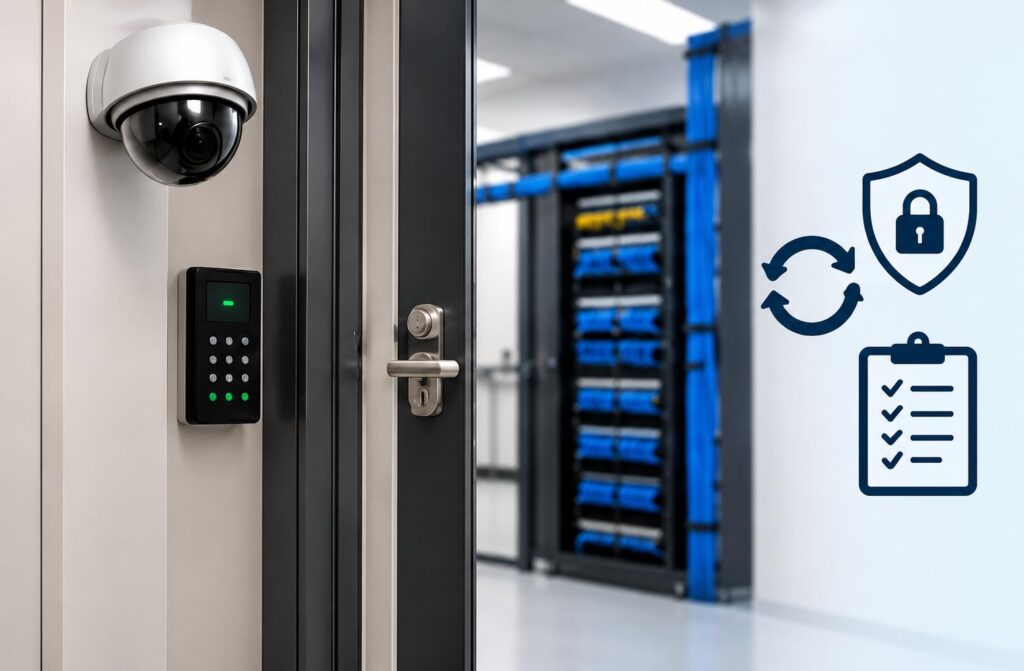
Network rooms should remain locked and accessible only to authorized personnel. Keep equipment areas free from unrelated storage and follow applicable electrical and fire safety requirements.
A practical Business Continuity Checklist should include network diagrams, equipment inventories, configuration backups, UPS maintenance, emergency contacts, and recovery procedures. Businesses using Managed IT Services Columbus Ohio can also benefit from proactive monitoring, infrastructure maintenance, and incident response planning.
Common Planning Mistakes to Avoid
Insufficient rack space, poor cooling, overloaded circuits, unlabeled cables, and undocumented connections can make network maintenance difficult. A Network Closet Cleanup should begin with documenting existing connections and verifying equipment dependencies before moving or disconnecting anything.
For new commercial properties, coordinate Office Cabling and IT Setup with electrical work, HVAC installation, internet connectivity, and building construction. Businesses should also incorporate Small Business Network Security measures, including secure equipment access, updated configurations, and appropriate network segmentation.
When comparing network cabling Columbus Ohio providers, review their commercial installation experience, testing procedures, project documentation, and post-installation support.
Choose the Right MDF and IDF Setup for Your Business
A reliable MDF and IDF room starts with the right design, properly installed equipment, organized cabling, and a plan for future expansion. Addressing these requirements early can reduce installation costs and help businesses maintain dependable network connectivity.
Get Professional Network Cabling Support
Planning a new office network or upgrading your existing infrastructure? Get professional assistance with rack planning, structured cabling, power requirements, cooling, and network room organization.
Contact our team today to discuss your MDF and IDF room requirements and request a customized commercial solution.