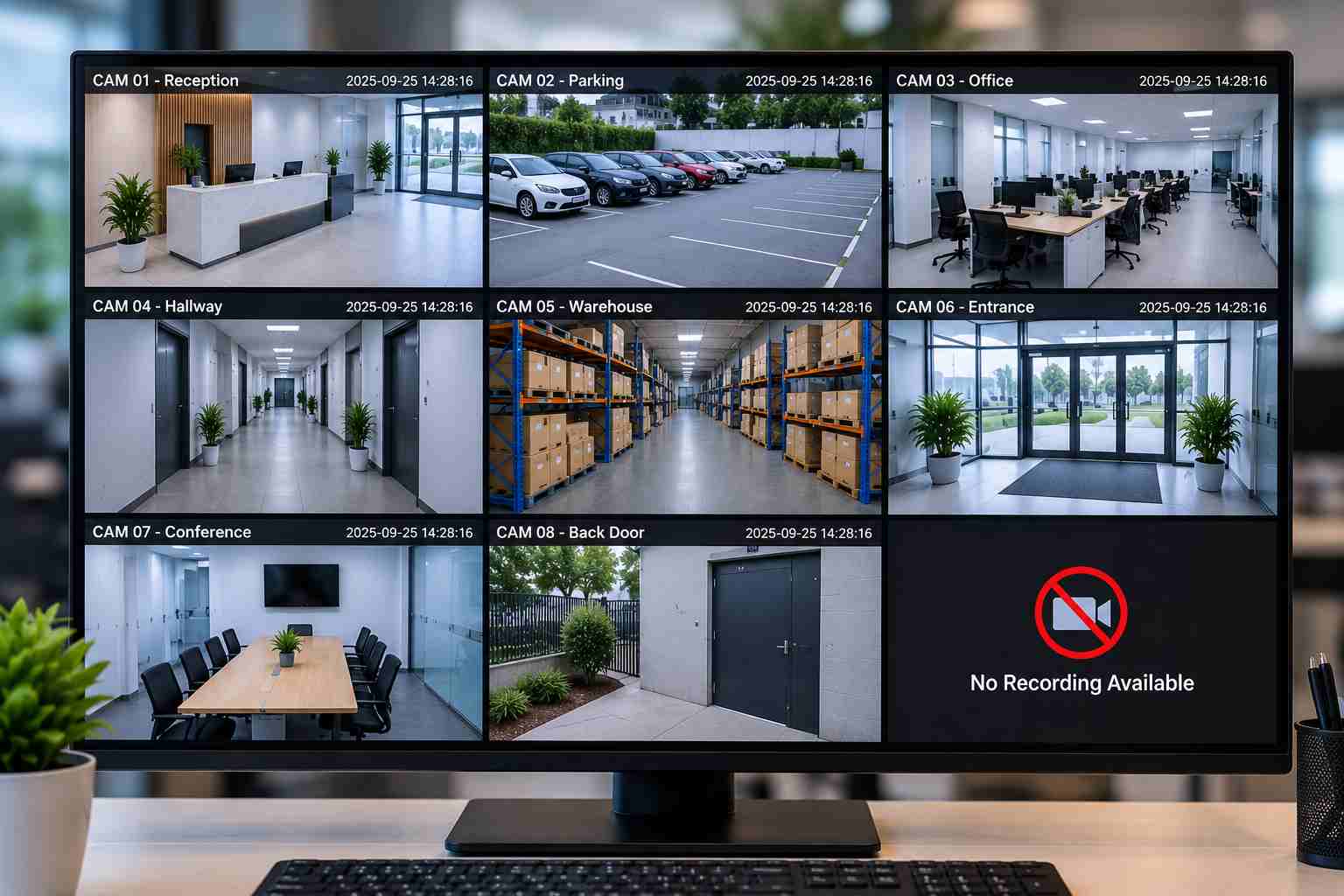
Live Camera View but No Recordings: NVR, Storage and Network Issues Explained
A CCTV camera showing a live view but not saving recordings is a common problem for homes and businesses. You may be able to watch the camera in real time, but when you try to check previous footage, the recording is missing.
This problem is usually connected to the NVR, storage drive, network connection, recording settings, or camera configuration. Finding the actual cause quickly is important because missing CCTV footage can become a serious issue when you need it for security, monitoring, or an incident investigation.
A reliable CCTV system needs more than working cameras. The complete network, storage, and recording setup must work together properly. Professional structured cabling installation services can also help create a stable connection between cameras, switches, and recording equipment.
Why CCTV Shows Live View but No Recordings
NVR Hard Drive Issues
Recording Schedule Problems
Storage & Overwrite Issues
Network Connectivity Problems
Camera & NVR Configuration
Motion Detection Settings
NVR Firmware/Software IssuesFor long-distance commercial installations, fiber optic cable installation companies can help create reliable connections between network points where standard copper cabling may not be suitable.
Important Features of a Reliable CCTV Recording System
A professional CCTV setup should be designed to provide stable recording, easy monitoring, and dependable storage. The right combination of NVR, cameras, network equipment, storage, and cabling helps reduce recording failures.
Key features include:
24/7 or scheduled recording options
Reliable NVR and surveillance storage
Stable IP camera connectivity
PoE support for cameras
Remote viewing and playback
Motion and event-based recording
Sufficient storage capacity
Easy footage backup and retrieval
A well-planned High-Performance Business Network can also support CCTV alongside other business applications without unnecessarily affecting network performance.
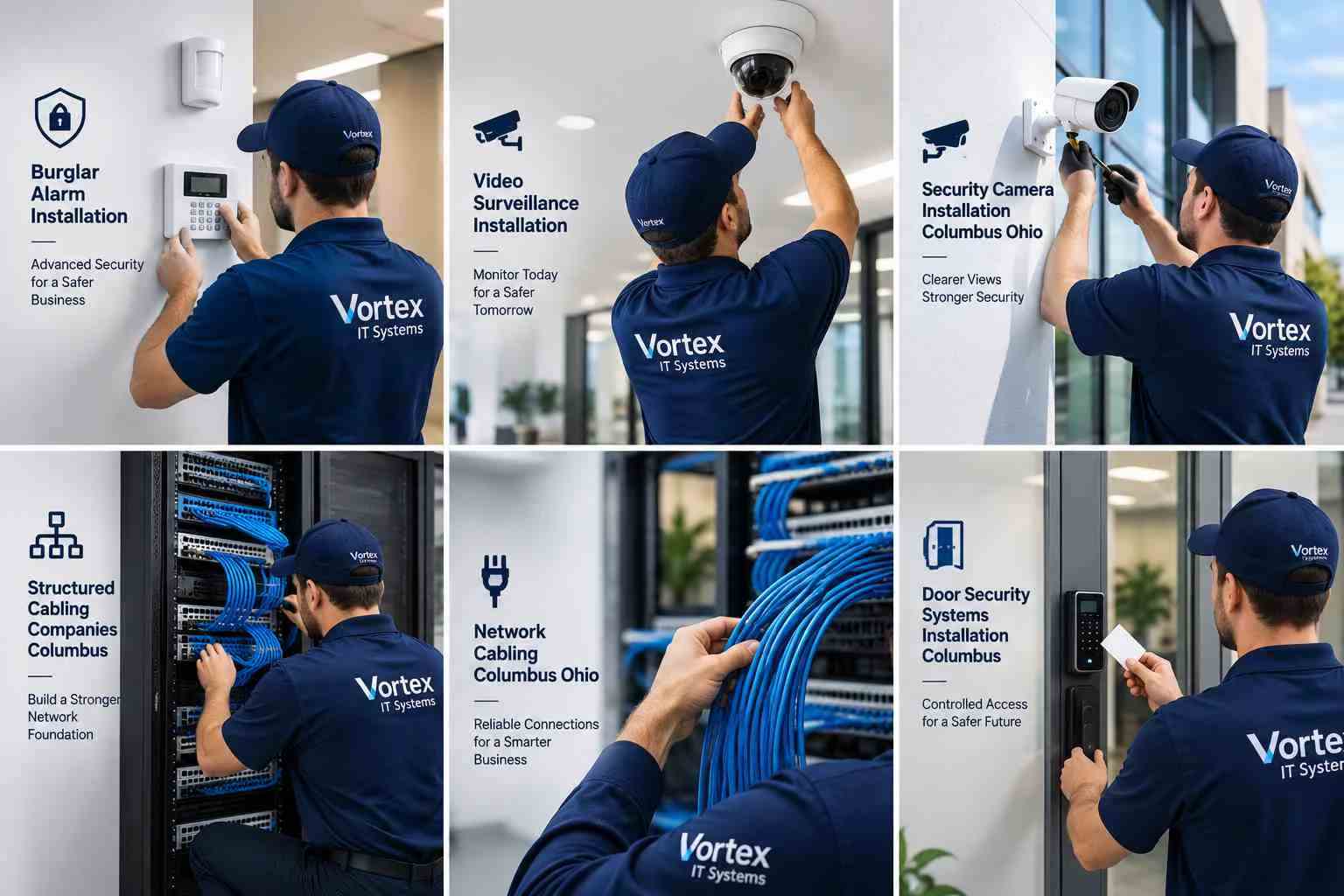
CCTV Live View vs Recording
| Feature | Live View | Recorded Footage |
| Shows current camera feed | Yes | No |
| Requires storage | No | Yes |
| Depends on NVR recording | No | Yes |
| Useful for real-time monitoring | Yes | Limited |
| Useful for reviewing past events | No | Yes |
| Affected by HDD problems | Usually No | Yes |
This difference explains why a camera can appear completely normal on screen while previous footage is unavailable.
Benefits of a Properly Maintained CCTV System

A correctly configured recording system gives businesses better visibility and makes security footage easier to access when required.
Reliable storage helps preserve important footage, while stable networking reduces unexpected camera disconnections. Regular system checks can also identify HDD problems, recording errors, or network issues before they result in major footage loss.
For businesses considering network upgrades, Cat6 vs Cat6A: Choosing the Right Cable can be an important part of planning the right infrastructure based on speed, distance, and future requirements.
A properly maintained system can provide:
Better security monitoring
Reliable video recording
Faster footage retrieval
Reduced system downtime
Easier troubleshooting
Better support for future camera upgrades
How We Handle CCTV & Network Issues
Our approach starts with identifying the actual reason behind the recording problem instead of immediately replacing equipment.
We check the NVR recording configuration, storage health, camera connectivity, network switches, PoE power, cabling, and related settings. If required, we also inspect network performance and recommend infrastructure improvements.
For businesses that require ongoing technical assistance, Managed IT Services Columbus can support network infrastructure, connected devices, troubleshooting, and regular maintenance.
Our work can include CCTV troubleshooting, NVR setup, storage inspection, network configuration, Ethernet cabling, fiber connectivity, system upgrades, and preventive maintenance.
The goal is simple: make sure your cameras are not only showing live footage but also recording and storing it correctly.
Final Thoughts
A CCTV camera showing live footage does not always mean that your recording system is working correctly. Problems with the NVR, hard drive, network, cabling, PoE equipment, or recording settings can stop footage from being saved.
Instead of guessing or replacing equipment unnecessarily, a professional inspection can identify the real problem and provide the right solution.
If your CCTV system shows live video but is not recording, fast fix tech issue support can help restore your recording setup and improve overall network reliability.
Need help with CCTV, NVR, storage, cabling, or business network issues? Contact our team today for professional troubleshooting, installation, and network support.