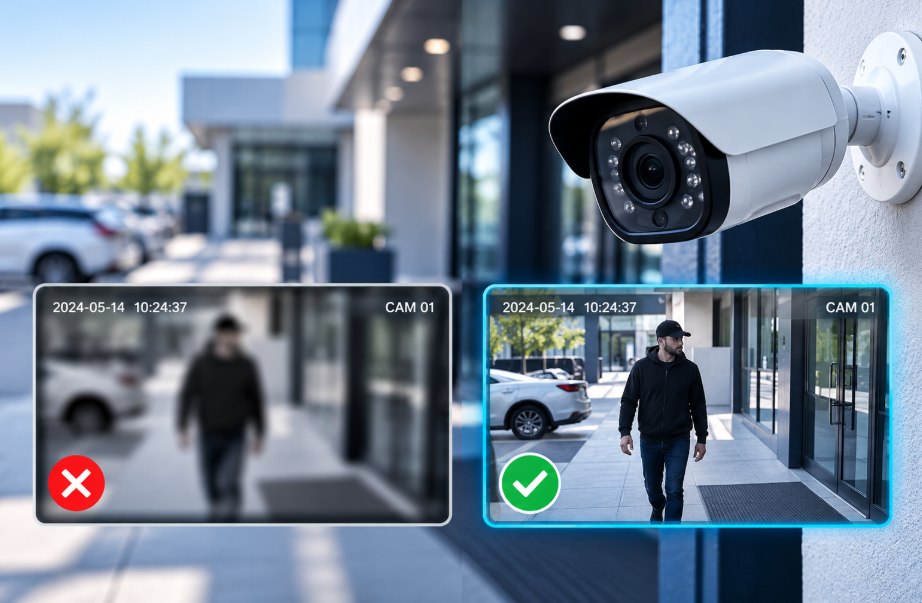
Security Camera Footage Is Too Blurry to Identify Anyone: Common Commercial Cause
Clear security camera footage is essential for protecting commercial properties, monitoring employees, and investigating suspicious activities. However, many businesses discover that their cameras capture blurry faces, unreadable license plates, or unclear movements when evidence is needed most.
Poor footage does not always mean the camera is defective. Incorrect placement, low resolution, poor lighting, and recording issues can all affect video quality. Understanding these common causes helps businesses improve surveillance performance and avoid missing important details.

Incorrect Camera Placement and Installation
Camera placement directly affects the clarity of recorded footage. Cameras installed too high, too far away, or at the wrong angle may capture general activity without identifying faces. Entrances, reception areas, parking lots, and loading docks require carefully planned coverage.
Professional security camera installation Columbus Ohio services can help businesses choose suitable camera positions and viewing angles.
Common placement mistakes:
Installing cameras too far from the target area.
Positioning cameras at excessively high angles.
Leaving entrances and important areas uncovered.
Ignoring blind spots around doors and loading docks.
Low Resolution and Incorrect Recording Settings
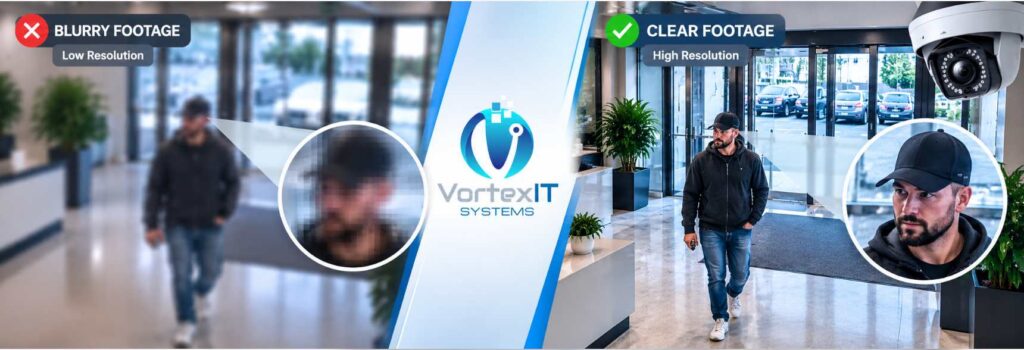
A camera may produce clear live footage but save blurry recordings because of low resolution, insufficient bitrate, or excessive compression. Enlarging these recordings can make faces and other details appear pixelated.
Businesses should check camera resolution, frame rate, and recorder settings to ensure that important details are preserved without overloading storage or network capacity.
Important points to check:
Camera resolution and recording quality.
Video compression and bitrate settings.
Frame rate for moving subjects.
Playback quality compared with the live feed.
Poor Lighting, Glare, and Nighttime Visibility
Poor lighting is a major cause of unclear surveillance footage. Bright sunlight, vehicle headlights, glass reflections, and dark parking areas can hide facial details. At night, cameras may capture silhouettes instead of recognizable people.
Businesses should assess lighting during both day and night and choose cameras with suitable low-light performance.
Ways to improve visibility:
Avoid pointing cameras directly toward bright light sources.
Improve lighting in dark entrances and parking areas.
Check infrared illumination at night.
Adjust camera angles to reduce reflections.
Dirty Lenses, Weather, and Physical Damage
Dust, fingerprints, water droplets, cobwebs, and condensation can make camera footage blurry. Outdoor cameras are especially vulnerable to weather, loose mounting brackets, and damaged protective covers.
Regular maintenance helps businesses identify these problems before they affect security recordings.
Routine maintenance checklist:
Clean camera lenses using manufacturer-recommended materials.
Check for moisture and condensation.
Inspect protective covers and mounting brackets.
Look for damaged cables or loose connections.
Recording Settings and Storage Limitations
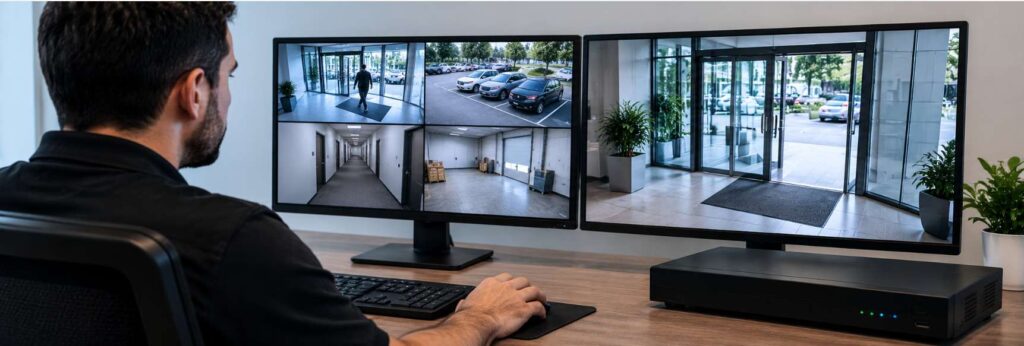
Insufficient storage, unsuitable recording schedules, and aggressive compression can affect the availability and quality of security footage. Some systems overwrite older recordings before businesses discover an incident.
A clear Security Video Retention policy helps determine how long recordings should be stored according to business requirements and applicable laws.
What businesses should review:
Available storage capacity.
Continuous versus motion-triggered recording.
Recording schedules and overwrite settings.
Retention periods and backup procedures.
Network Problems and Security Camera Footage Loss
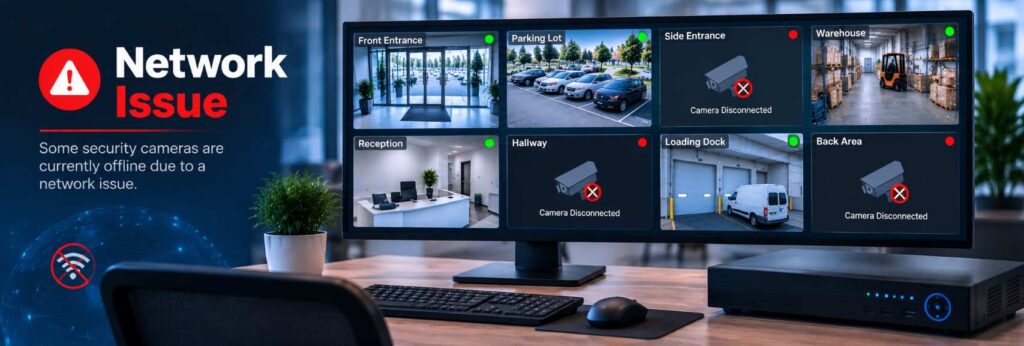
Network congestion, unstable connections, faulty cables, and power interruptions can cause frozen video, dropped frames, or missing recordings. A camera appearing online does not always mean it is recording continuously.
A reliable video surveillance installation should include suitable network capacity, dependable power, and regular system testing.
Warning signs to watch for:
Cameras frequently disconnecting.
Frozen or interrupted video feeds.
Missing sections in recorded footage.
Delays when opening or playing recordings.
Upgrade Commercial Security Cameras

If footage remains blurry after cleaning the lens, correcting camera angles, improving lighting, and adjusting settings, the equipment may need an upgrade. Older cameras may not provide the resolution or low-light performance required for modern commercial security needs.
Businesses can achieve Smarter Security with Cameras by choosing equipment according to their coverage requirements instead of focusing only on price or camera count.
Before upgrading, consider:
Required image detail and camera resolution.
Nighttime visibility and viewing distance.
Compatibility with existing recorders and cabling.
Storage capacity and network requirements.
Final Thoughts
Blurry security footage can make it difficult to investigate theft, unauthorized access, and workplace incidents. The cause may be incorrect placement, poor lighting, dirty lenses, recording settings, or outdated equipment.
Businesses should inspect their cameras regularly, review recorded footage, and fix problems before an incident occurs. A properly maintained surveillance system can provide clearer evidence and more dependable commercial security.
Ready to improve your security footage? Contact Vortex IT Systems for professional security camera solutions to identify footage quality issues and find the right solution for your business.