Business Internet Is Down: How to Keep Phones, Payments and Cloud Apps Running
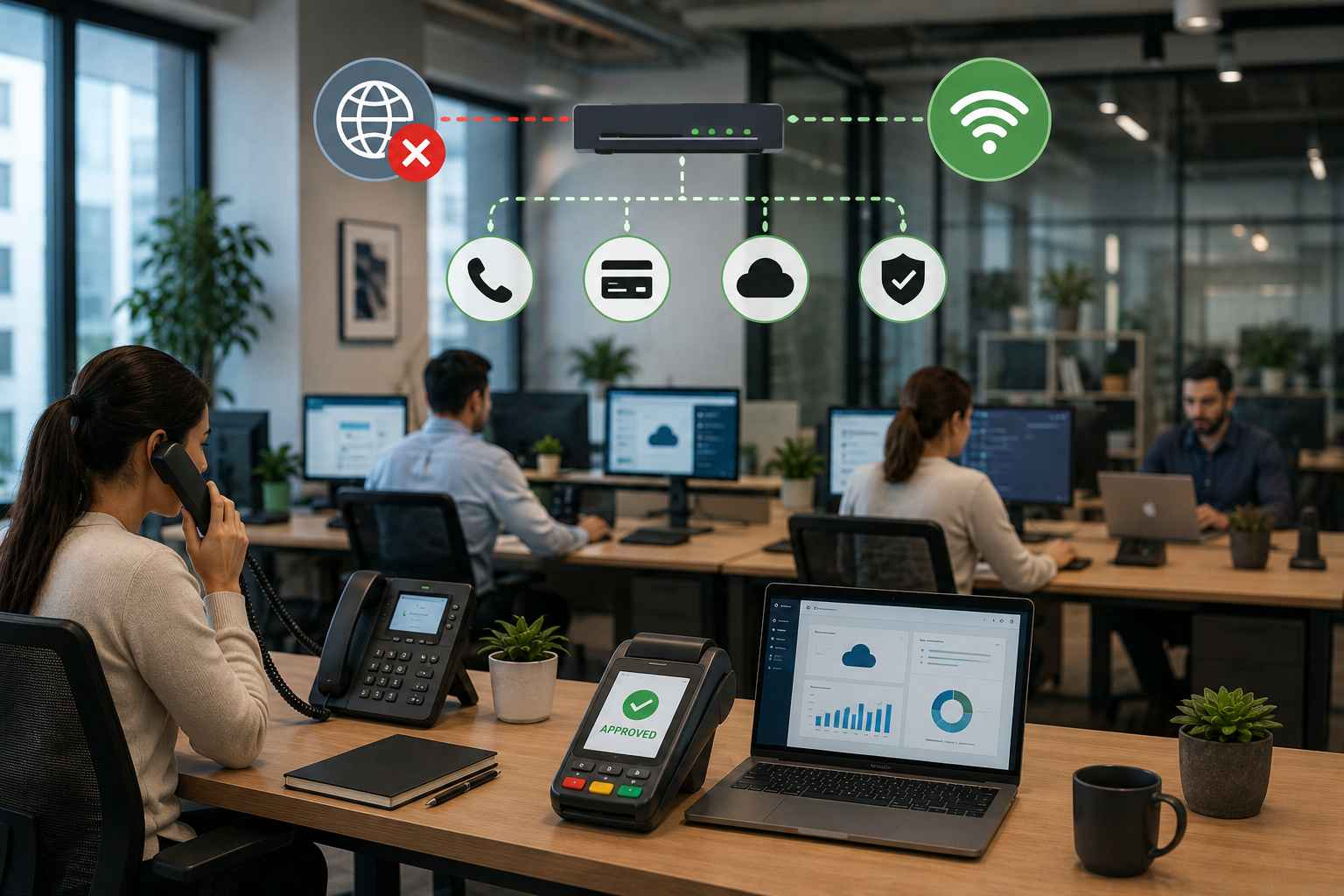
When business internet goes down, daily operations can quickly become difficult. VoIP phones may stop working, payment terminals may lose connection, cloud applications can become unavailable, and employees may struggle to communicate with customers. For many businesses, even a short internet outage can lead to lost productivity and missed sales.
The right solution is not just to wait for the internet provider. A professionally designed business network with backup connectivity, organized cabling, and proactive IT support can keep critical operations running during an outage.
Common Problems During a Business Internet Outage
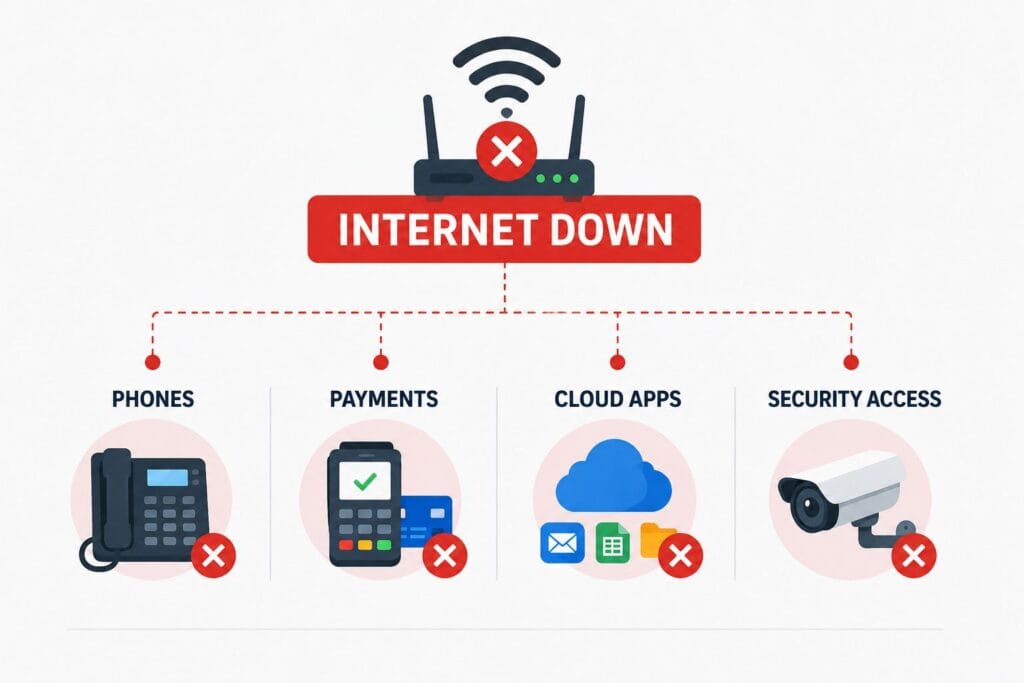
When business internet goes down, these key problems can affect daily operations:
- Phones Stop Working:VoIP calls and customer communication may be interrupted.
- Payments Fail:Card machines and online payments may stop processing.
- Cloud Apps Go Offline:Employees may lose access to important files and business tools.
- Security Access Is Affected:Remote camera monitoring and cloud security access may be unavailable.
Keep Business Phones and Payments Running
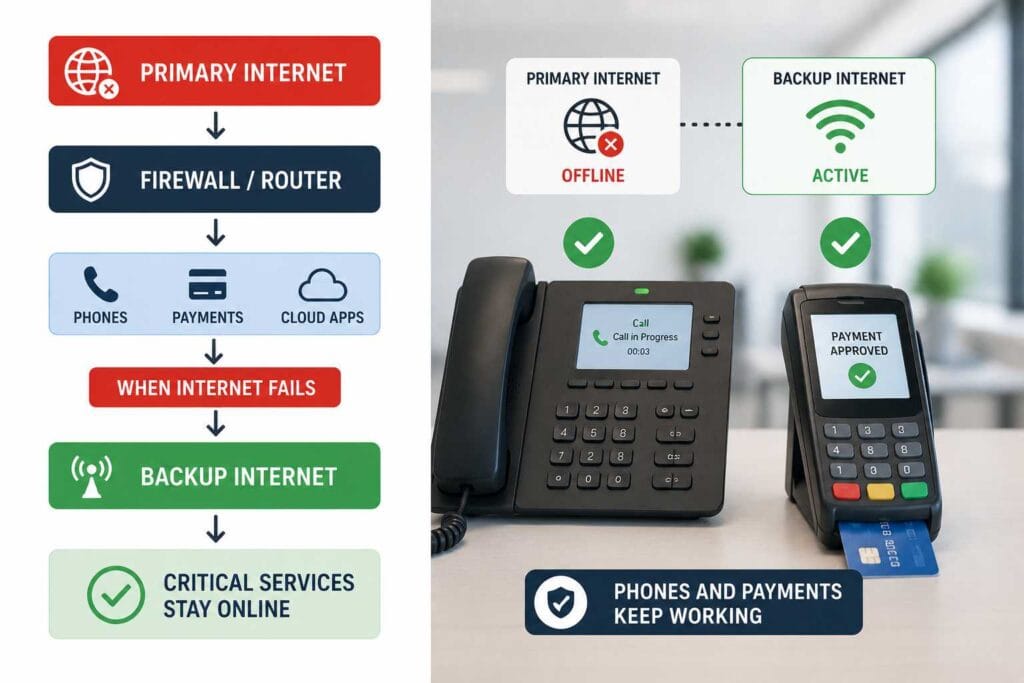
Business phones and payment systems depend on reliable internet connectivity. A backup internet connection can automatically take over when the primary connection fails. This allows important services such as VoIP calls, card payments, and cloud applications to continue working.
Businesses should prioritize critical devices during an outage. Payment terminals and communication systems should receive higher priority than non-essential internet usage.
A Reliable Network Starts with Professional Cabling
A backup internet connection is only effective when the internal network is properly designed. Poor cabling can cause connection problems, slow performance, and difficult troubleshooting.
Businesses looking for structured cabling companies Columbus need a network infrastructure that supports current technology and future growth. Professionally installed cabling keeps network systems organized and makes it easier to manage phones, computers, wireless devices, and security equipment.
Primary vs Backup Internet: Why Both Matter
Many businesses depend on a single internet provider. When that connection fails, the entire office may be affected. A secondary connection provides an additional layer of protection.
Single Internet Connection | Backup Internet Solution |
| Internet fails → Operations stop | Internet fails → Backup activates |
| Phones may stop | Calls can continue |
| Payments may fail | Payment systems stay connected |
| Cloud apps become unavailable | Critical cloud access continues |
A backup network does not have to support every non-essential activity. It can be configured to keep the most important services running until the primary connection returns.
Managed IT Support Helps Reduce Downtime
Finding the real cause of an outage can take time. The problem may be related to the internet provider, firewall, router, switch, or internal network.
With Managed IT Services Columbus Ohio, businesses can receive proactive monitoring and faster troubleshooting. IT professionals can identify the source of the issue, check backup systems, and help restore normal operations quickly.
For companies planning reliable network cabling Columbus Ohio, IT and cabling should work together. A properly designed network makes troubleshooting easier and supports long-term business growth.
Do Not Forget Your Security Systems
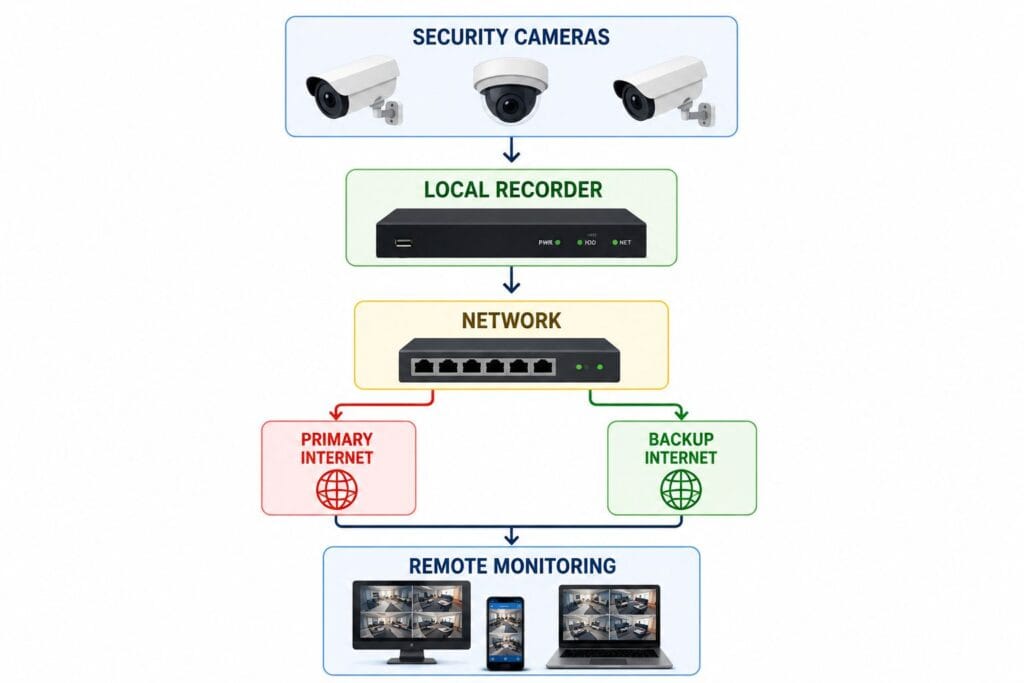
Internet outages can also affect business security. Remote camera monitoring, cloud access, and alerts may stop working if the network fails.
Security Systems for Businesses should be designed with reliable connectivity, local recording options, and backup solutions. This can reduce common Security Camera Footage Issues such as missing recordings or loss of remote access during network disruptions.
Build a Strong Business Network Before an Outage Happens
The difference between a minor internet outage and a complete business shutdown often depends on preparation. High-Performance Business Cabling, backup connectivity, managed IT support, and professionally designed network infrastructure can help protect critical operations.
Instead of waiting until phones stop, payments fail, or cloud applications become unavailable, review your business network now.
Need a More Reliable Business Network?
Keep your phones, payments, cloud applications, and security systems connected with professional network and IT solutions.